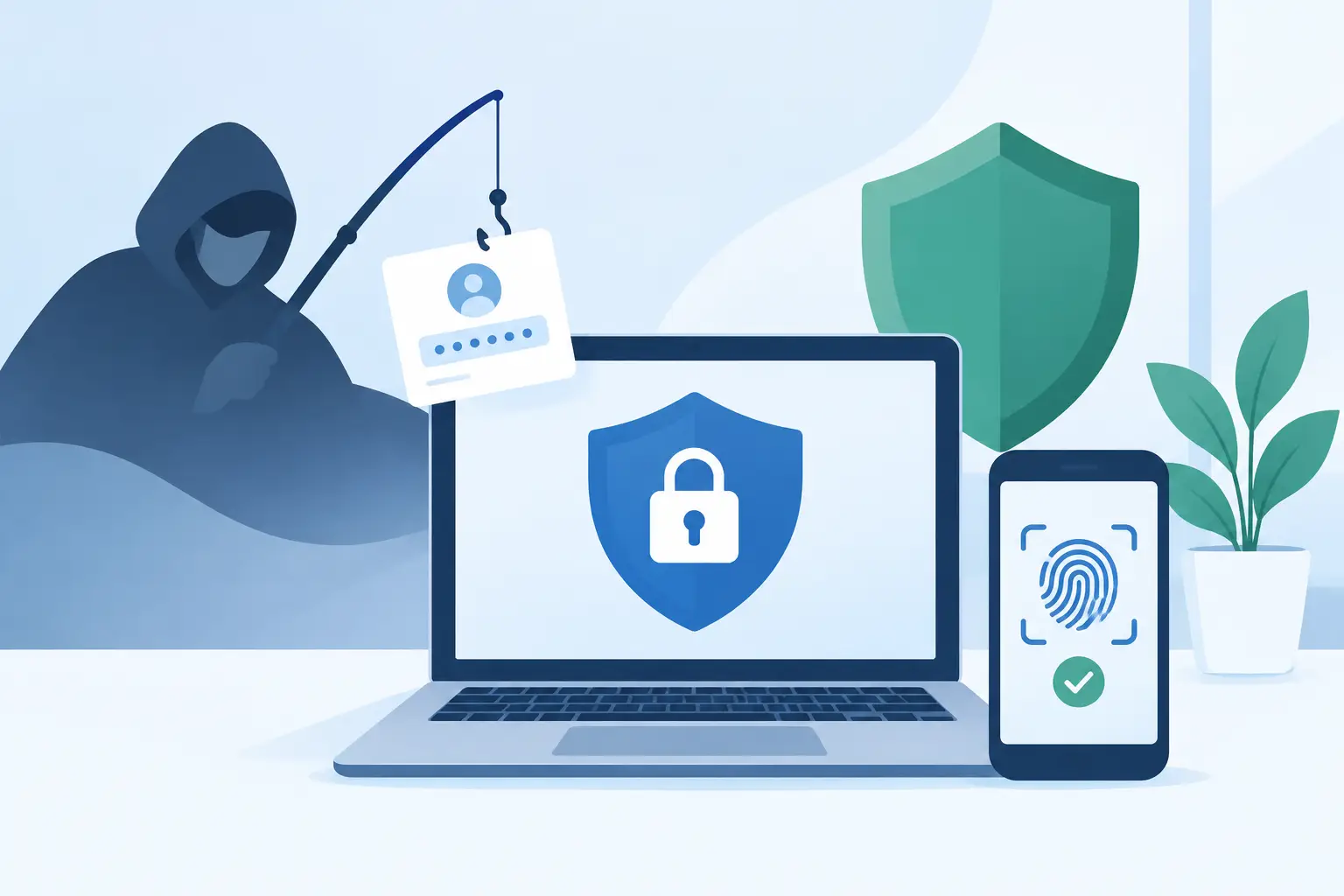
A compromised password is not an identity event. It is an attacker standing at the front gate with credentials that may look legitimate to legacy controls. To configure phishing resistant authentication, an enterprise must replace reusable secrets with cryptographic proof tied to the real service, the real user, and an approved device. That shift closes the path behind credential-harvesting pages, MFA fatigue prompts, and most adversary-in-the-middle attacks.
For organizations responsible for regulated data, privileged accounts, production systems, or operational technology, this is not a convenience upgrade. It is a control that determines whether one stolen password becomes a contained alert or a business-stopping intrusion.
What phishing-resistant authentication actually stops
Phishing-resistant authentication means the user cannot simply disclose a reusable code, password, or approval to an attacker and grant access. The authentication ceremony must verify the legitimate relying party and require a private cryptographic key that remains protected on the authenticator.
WebAuthn and FIDO2 security keys are the clearest enterprise standard. When a user signs in, the key validates the domain or application identity before it signs a challenge. A fake sign-in page cannot receive a valid assertion for the genuine service. Platform passkeys can provide similar protection when deployed with strong device posture and identity governance.
This distinction matters because not every form of MFA is phishing resistant. TOTP codes improve security over passwords alone, but an employee can still enter a code into a counterfeit page. SMS is vulnerable to SIM swaps, message interception, and social engineering. Push notifications can be abused through repeated prompts or help-desk manipulation. These methods may remain useful for controlled recovery or lower-risk access, but they should not satisfy policy for privileged, sensitive, or externally accessible systems.
Start with the assets that cannot fail
Do not begin by issuing keys to every employee without a risk model. Start where identity compromise would create immediate operational harm: tenant administrators, cloud administrators, domain administrators, help-desk personnel, finance approvers, developers with production access, incident responders, and third-party users with remote access.
Map each identity to the systems, data, and actions it can reach. The goal is to identify privilege chains, not just high-profile accounts. A standard user who can reset an executive's password, approve a device enrollment, access a CI/CD secret, or alter supplier banking details is part of the privileged attack surface.
Then define the authentication assurance required for each access path. The highest assurance policy should apply to administrative consoles, remote access, cloud control planes, code repositories, security tooling, and recovery systems. If ransomware actors can use a lower-assurance method to enroll a new factor or reset a password, the strongest sign-in policy is only a front door with an open side entrance.
Establish a default-deny policy for sensitive access
Policy language must be explicit. Require phishing-resistant authentication for privileged roles and high-value applications. Block legacy protocols that cannot enforce modern authentication. Deny sign-in from unmanaged devices where the risk warrants it, and require a compliant device for workflows involving sensitive data or administrative action.
Use context without treating it as a substitute for identity proof. Device compliance, network location, session risk, geolocation anomalies, and impossible-travel signals are valuable decision inputs. None should override a requirement for a FIDO2 or WebAuthn assertion when the action could alter infrastructure, expose regulated data, or grant privilege.
Configure authenticators for real operational conditions
The strongest technical control fails if enrollment and recovery create a bypass. Issue at least two phishing-resistant authenticators to each privileged user: a primary key carried for daily work and a backup retained under controlled conditions. For critical break-glass roles, use dedicated hardware keys with documented custody, separate storage, and tested access procedures.
Hardware security keys are generally the right choice for shared workstations, restricted networks, field operations, and administrative access because they keep the private key in dedicated hardware and can be governed centrally. Platform passkeys may be appropriate for managed corporate devices, particularly where user mobility is high. The correct choice depends on endpoint management maturity, workforce location, browser support, and recovery requirements.
During enrollment, require an already trusted session or supervised identity proofing. Never allow a user to register a new authenticator based only on a password and a weak second factor. Attackers routinely use an active stolen session to enroll their own device, then persist after the legitimate user changes a password.
A sound configuration includes four controls:
- Restrict which authenticator types can meet each assurance level, with FIDO2 or WebAuthn required for the highest-risk policies.
- Require managed-device posture for platform passkeys used in privileged workflows.
- Alert on new authenticator registration, authenticator removal, recovery requests, and changes to privileged-group membership.
- Set short, approved windows for temporary exceptions, with named ownership and automatic expiration.
Close the recovery and support-desk gap
Account recovery is where mature authentication programs are tested. If a caller can claim to have lost a key and receive an SMS reset, an adversary has found the easier route. Recovery must be proportionate to the access being restored.
For privileged users, require verified identity proofing through independent channels, approval from authorized personnel, and a logged process that prevents a single help-desk agent from completing a high-impact reset alone. Consider a cooling-off period before newly recovered credentials can perform sensitive administrative actions. It creates friction, but it can stop an attacker who has already manipulated a support workflow.
Break-glass accounts need equal discipline. Maintain only the minimum number needed for continuity. Keep their credentials isolated, monitor every attempted use, and test them regularly. A break-glass account that has never been exercised may fail during an outage. One that is exempt from all monitoring is an attacker’s contingency plan.
Bind authentication to continuous Zero Trust enforcement
Phishing-resistant sign-in is the opening control, not the entire defense. A valid user session can still be stolen, inherited by malware on an endpoint, or abused by an insider. Enforce access continuously through policy that evaluates identity, device health, role, location, behavior, and requested resource.
Use just-in-time elevation for administrative work. A user should not hold persistent administrator rights merely because they may need them later. Require step-up phishing-resistant authentication when privileges are elevated, when a sensitive export begins, or when an administrator changes identity policy. Limit session duration, revoke tokens when risk changes, and ensure session revocation reaches connected applications and infrastructure.
Continuous monitoring should correlate identity events with endpoint and network telemetry. A new FIDO2 enrollment followed by a privileged-role assignment, bulk download, mailbox-rule creation, or disabled EDR agent deserves immediate investigation. Automation can revoke sessions, block hostile infrastructure, isolate an endpoint, and preserve signed evidence before an intrusion expands.
Vulcan Rampart applies this inside-out model by enforcing identity and context through a Zero Trust policy engine, pairing WebAuthn/FIDO2 controls with monitoring and containment built for mission-critical environments.
Test the configuration like an attacker would
A policy is not proven because the identity provider reports it as enabled. Test it against the attack paths that matter. Attempt access from an unmanaged endpoint. Present a TOTP code where a security key is required. Try to enroll a new factor after a simulated session theft. Validate that a lookalike domain cannot receive a usable credential assertion. Confirm that help-desk recovery cannot silently weaken the policy.
Include operational scenarios, not just laboratory checks. Can a traveling executive authenticate with a backup key? Can an on-call engineer regain access during a device failure without bypassing approval? Can incident responders use protected emergency access when the normal identity service is impaired? The answer may vary by business function, but every exception must be deliberate, time-bounded, and visible to security operations.
Measure adoption, failed authentication causes, recovery volume, dormant authenticators, and the number of privileged accounts still using weaker factors. These measures expose the friction that causes users to seek workarounds. Fix the workflow without weakening the assurance standard.
Phishing-resistant authentication earns its value when a convincing fake page, a stolen password, or a flood of push prompts produces nothing an attacker can use. Configure it around the systems that carry the mission, defend recovery as fiercely as sign-in, and keep verifying every session after the gate opens.